
If a customer has not arrived for their appointment:
Find their booking on the Calendar in Connect, then click to open it.
A pop-up should appear. Click on ‘No show’ towards the bottom, next to ‘Reschedule’.
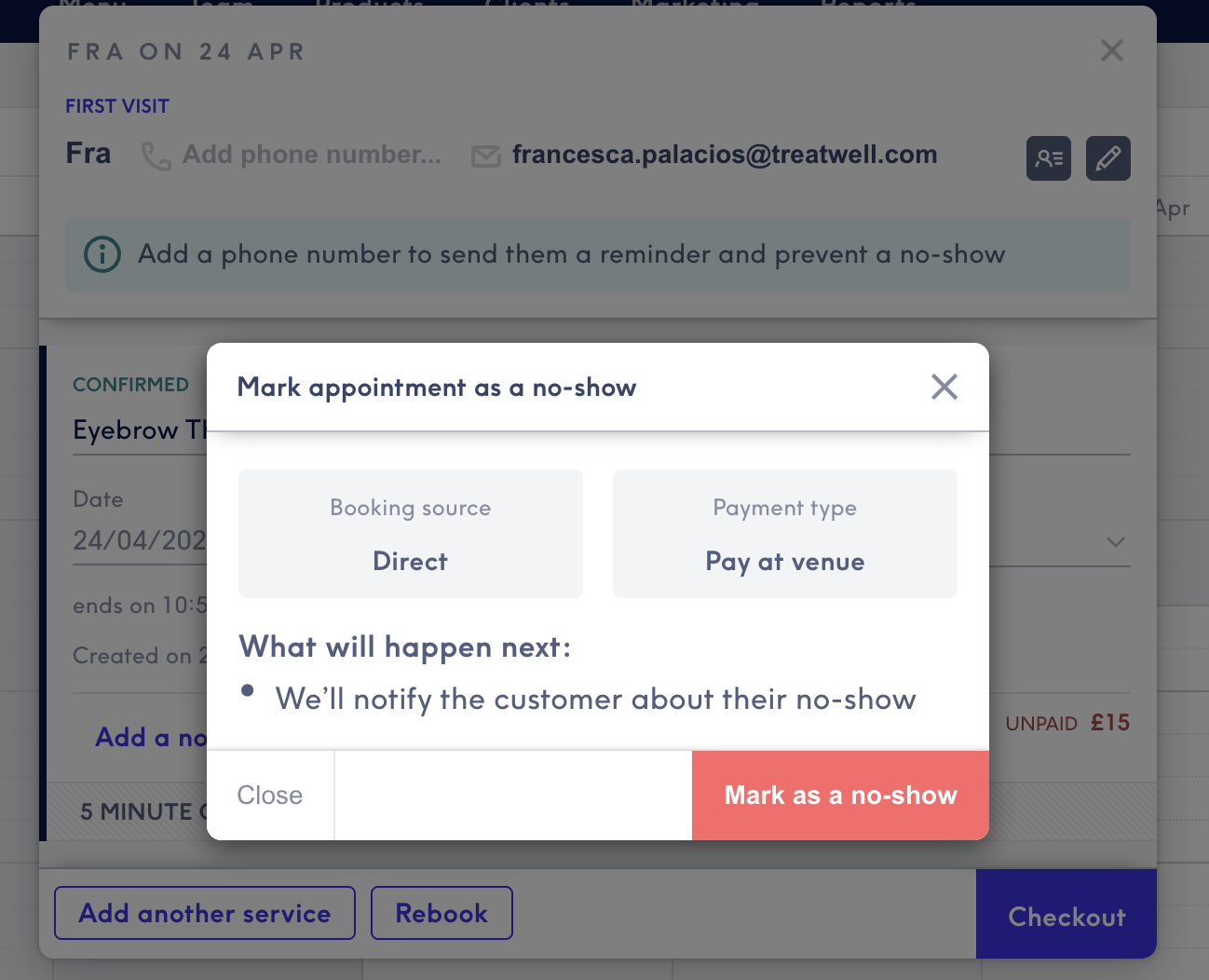
Review the information about what will happen next, and click ‘Mark as no show’.
Important: You must mark the appointment as a no-show within the same day from the scheduled appointment time. If you do not mark it within this timeframe, you will not be able to make any changes after the working day has passed.
The no-show status alerts us that the customer did not attend. This also helps keep an accurate account of your bookings, meaning we won’t apply commission to any pay-at-venue bookings that the customer didn’t turn up for. For pre-paid bookings, a usual commission rate is charged since you still receive payment for the booking.
Once you've marked the appointment as a no-show within the same day we'll confirm with the customer that the appointment didn't go ahead as planned and adjust the booking in the system.
Was this article helpful?