
To add a product:
Go to "Products" in the top navigation bar in Connect.
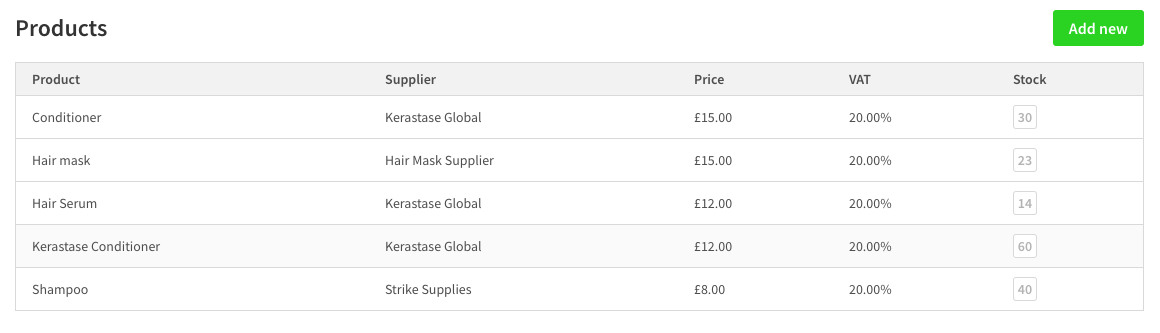
On the left-hand side, select "Products" and click "+ Add new".
Enter the product name, VAT rate (if applicable) and unit price.
Click "Save"
This product can now be assigned to a supplier
You can also track your inventory by selecting 'Manage inventory' and entering the amount you have in stock. This automatically updates if you ever add a product to a service, and lets you log products sold so you always end the day with an accurate account of your earnings.
Was this article helpful?