
Deleting a receipt is only possible using the Treatwell Pro app and not from the web page via browser (Chrome, Safari or Firefox).
How to cancel a receipt issued on the day
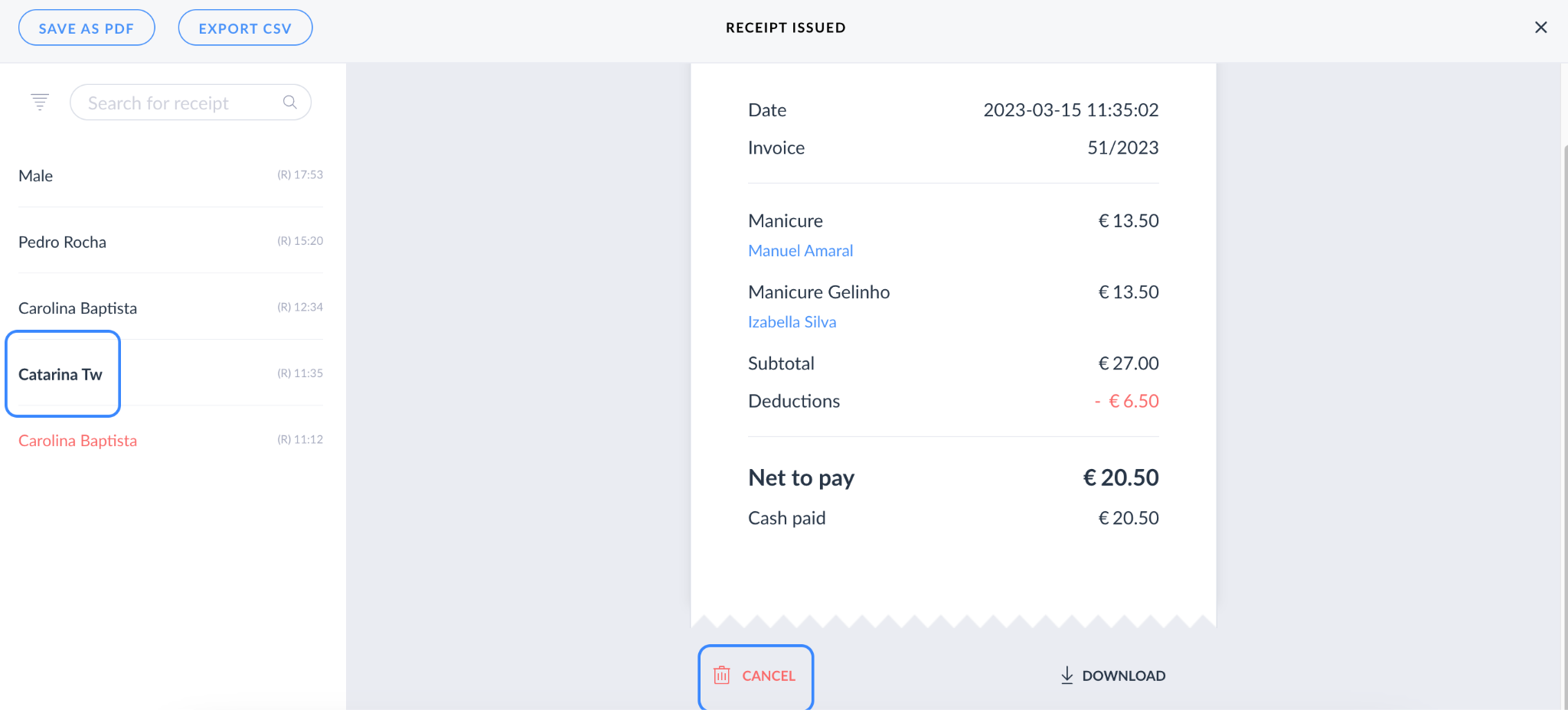
To cancel a receipt on Treatwell Pro, you must first enter the "Cash" section from the side menu and click on the "Receipts Issued" tab in the left-hand column. The management system will ask for login credentials to ensure that only users with owner access can cancel receipts.
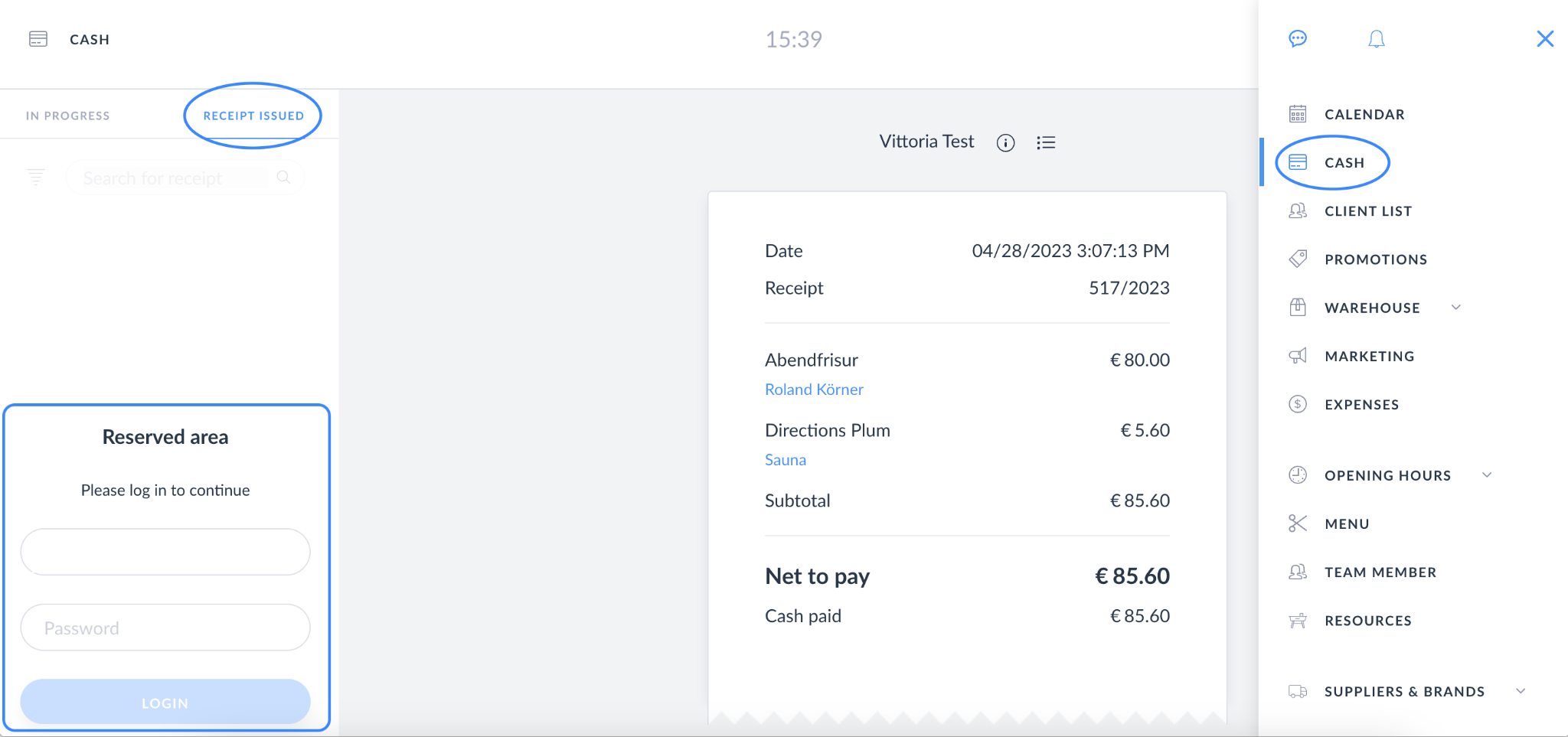
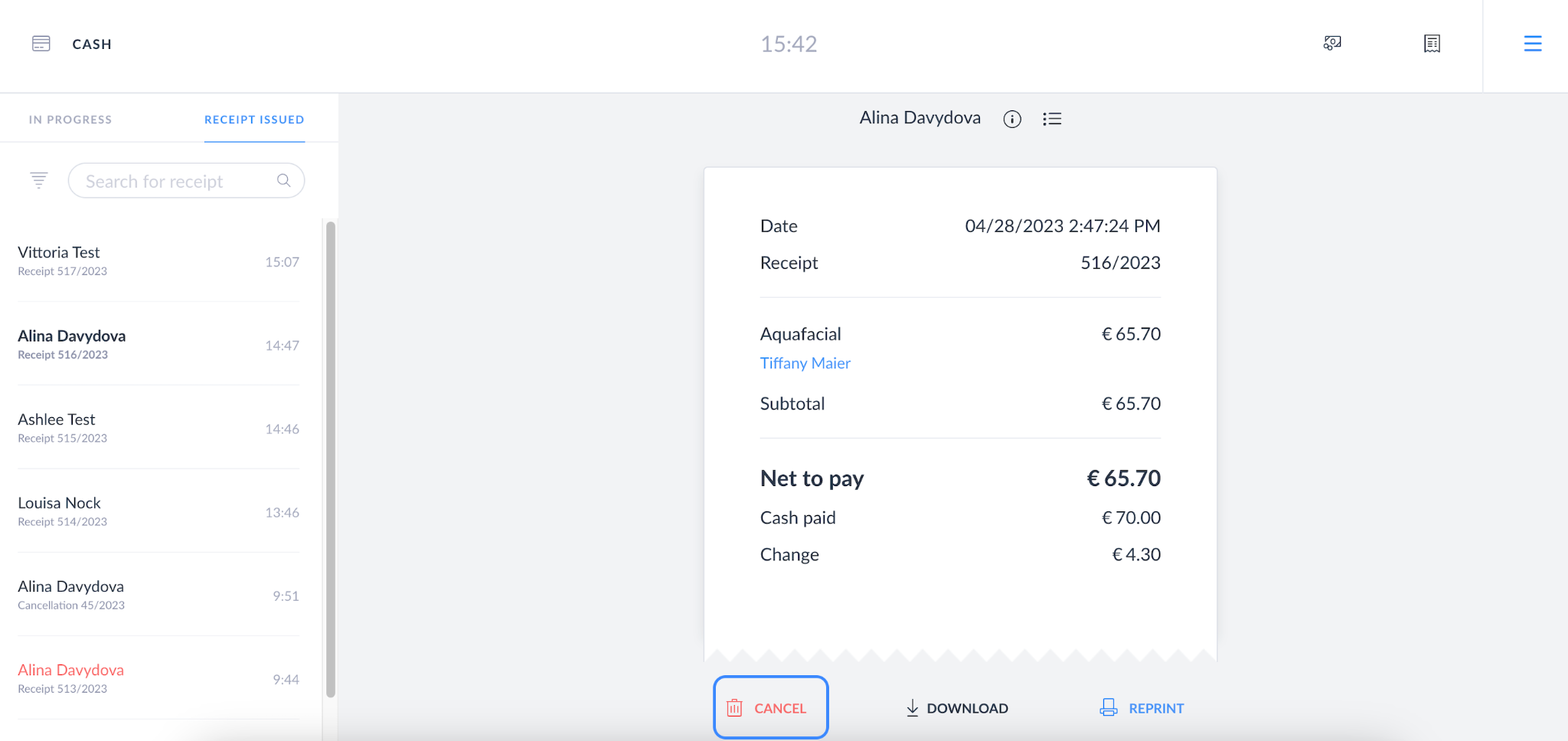
Once logged in, select the receipt from the list and click on the ‘Cancel’ button at the bottom left.
Once the receipt has been deleted, the appointment will remain in green in the diary. It is then necessary to force check-out by clicking on the blue icon with the arrow at the bottom right.
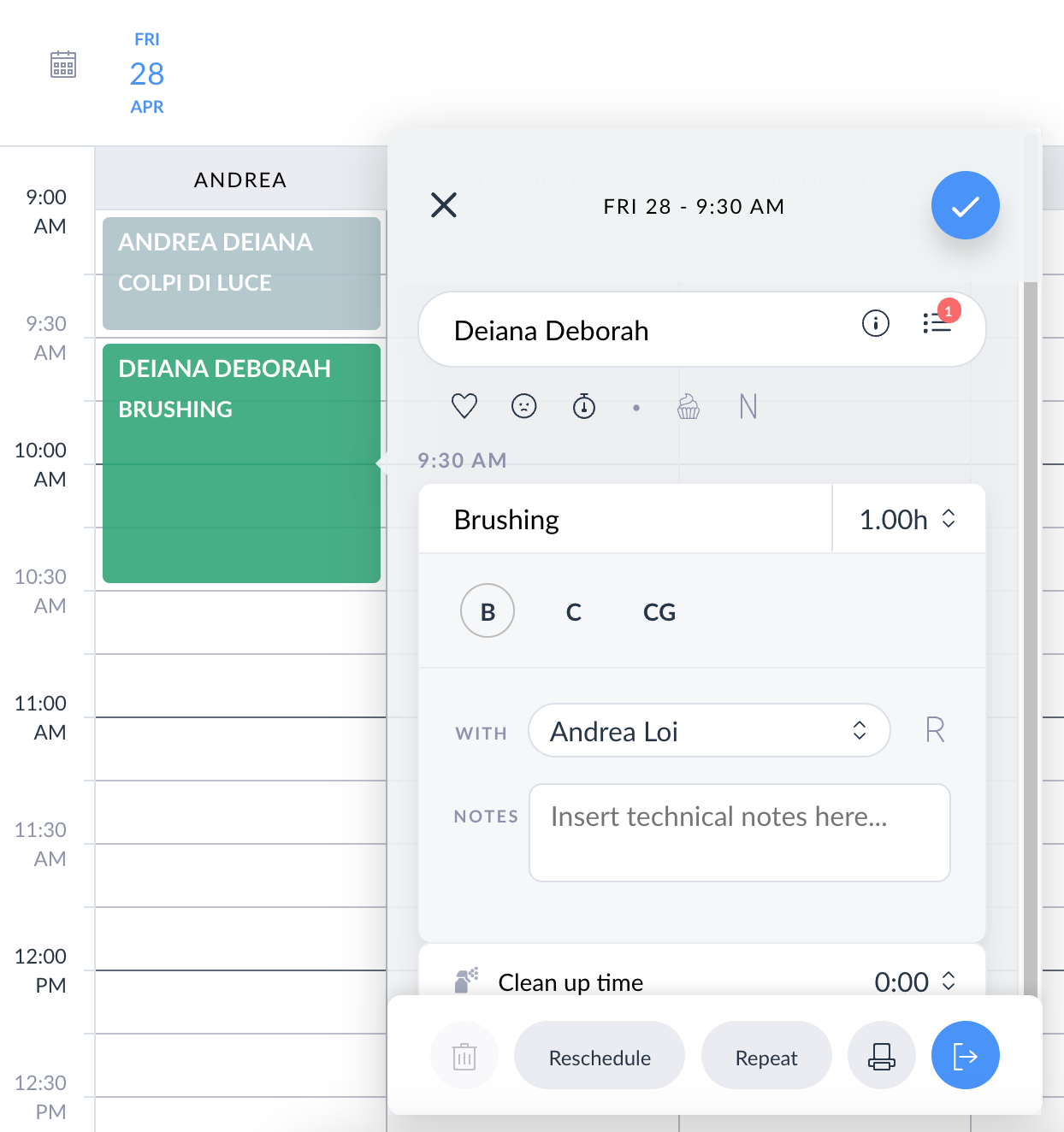
This will turn the appointment grey.
How to delete a receipt issued before today
Please note: receipts from the previous year cannot be deleted.
To delete a receipt issued prior to today (for which the fiscal closure has already been done), you must complete the following steps:
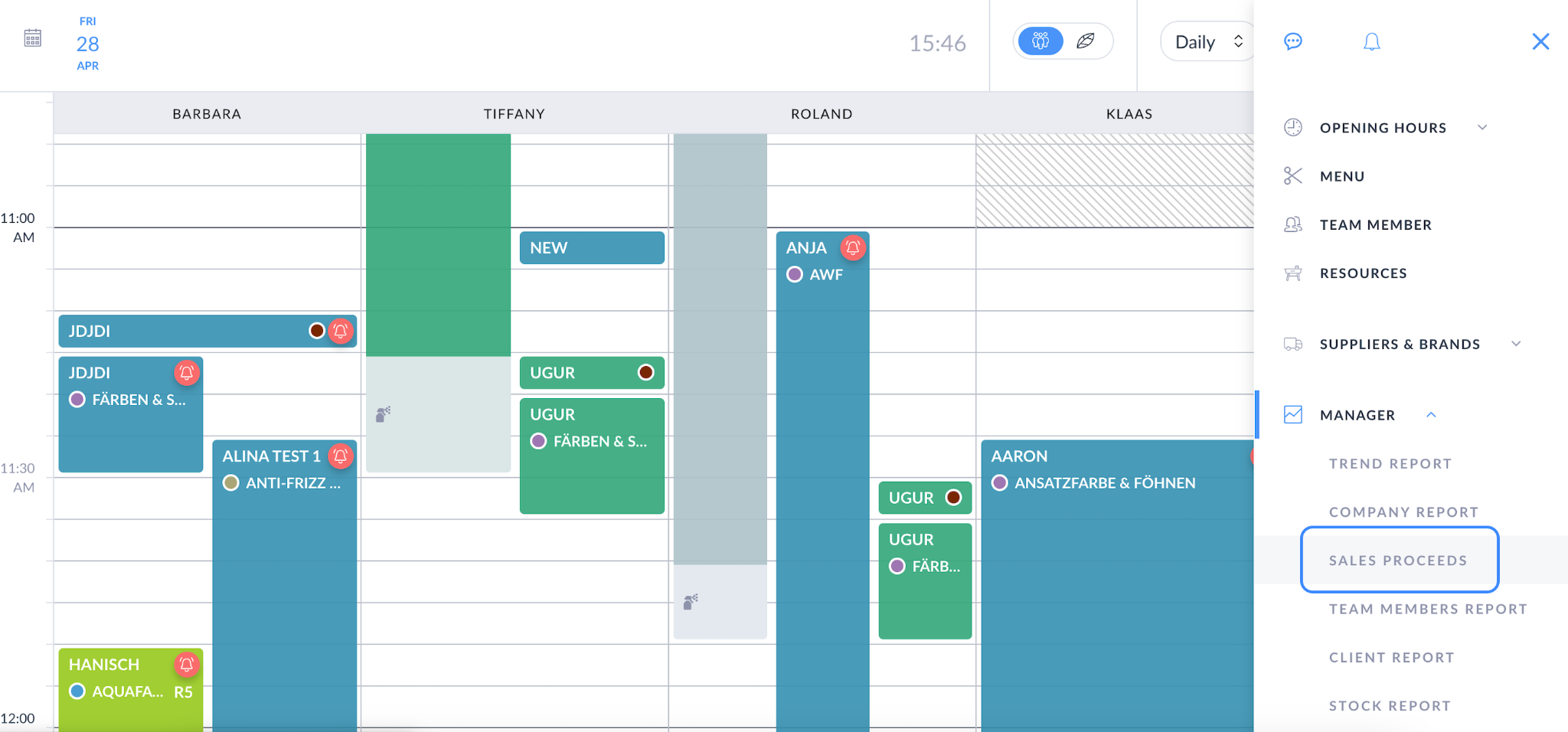
First of all, you must click on the "Sales Proceeds" section in the "Manager" section on the side menu;
In the “Period” filter on the top bar, you can select the date or time period (from... to...) in which the receipt was issued, and then click on the desired result.

Using the list on the left, choose the name of the customer for whom the receipt was issued and then click on the "Cancel" button in red, found below the receipt;
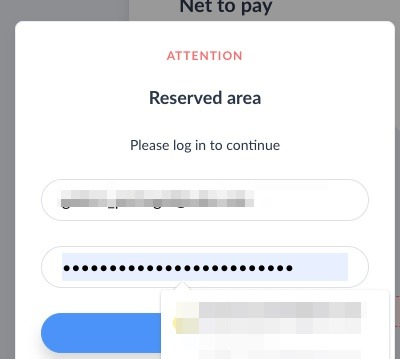
Enter your credentials to access the deletion window;
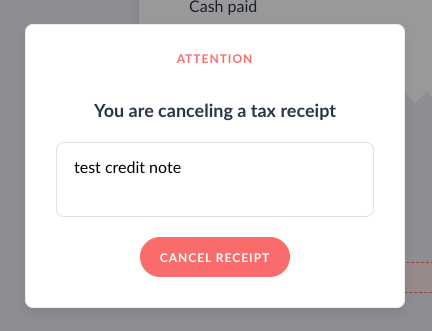
Indicate a reason as to why you are deleting the receipt and confirm the operation by clicking on the "Cancel Receipt" button.
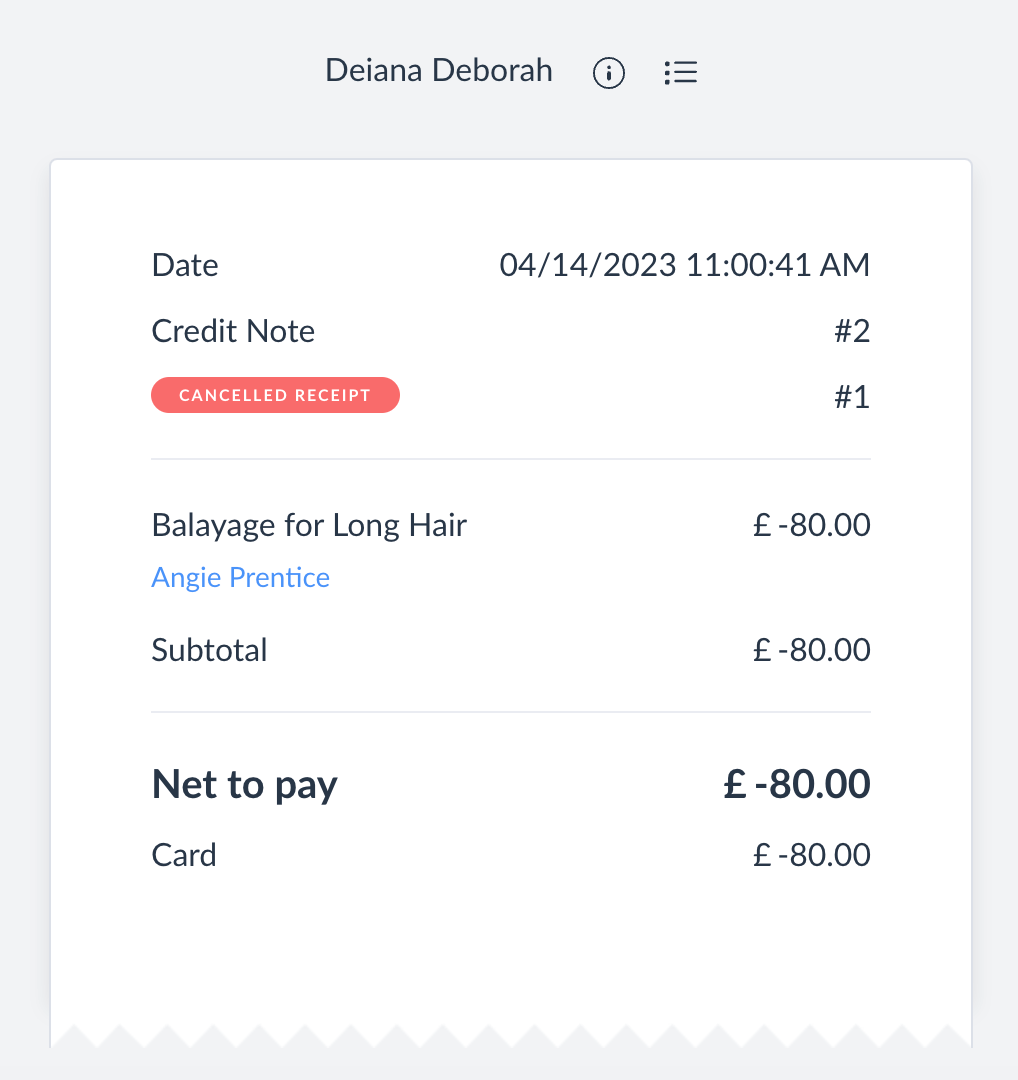
Once the receipt has been deleted, the related credit note will appear in the list.
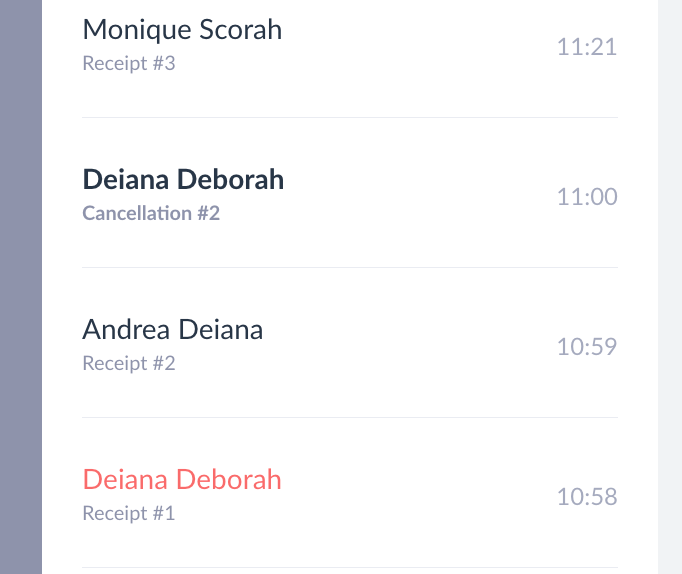
Clicking on the credit note will reveal the related details.
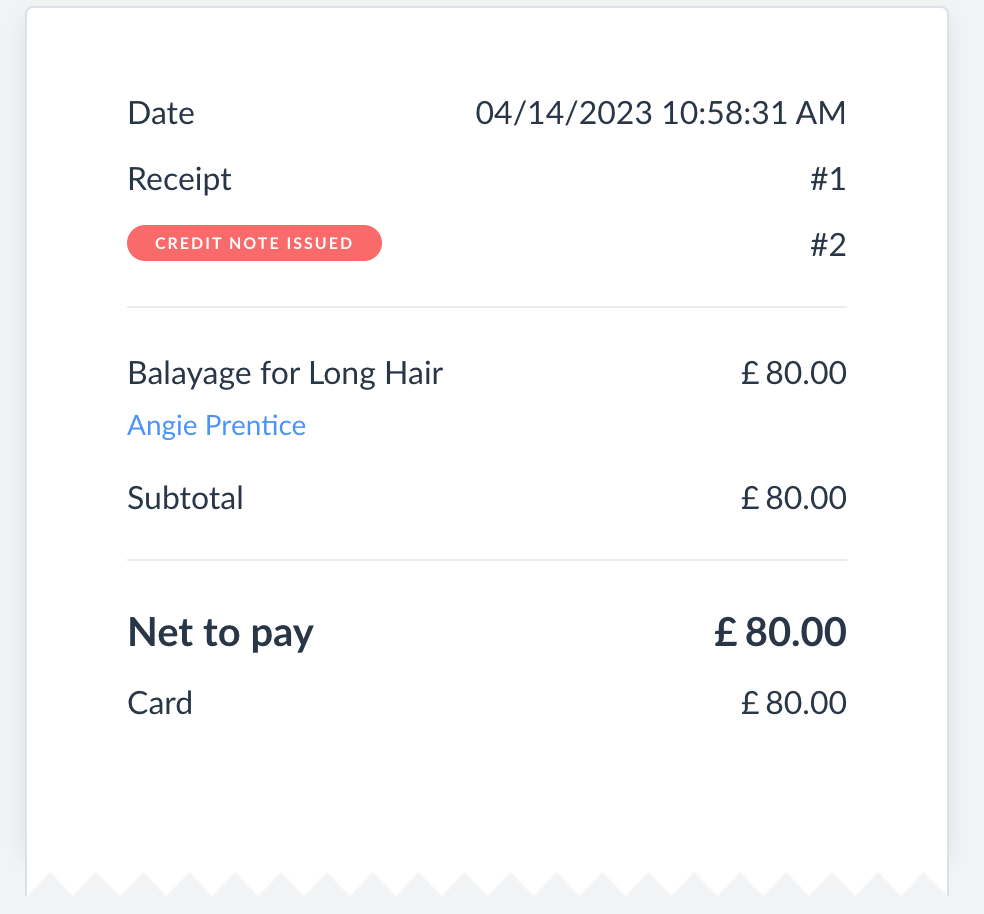
Clicking on the deleted receipt will bring up the receipt summary.
Was this article helpful?